Visitor approvals
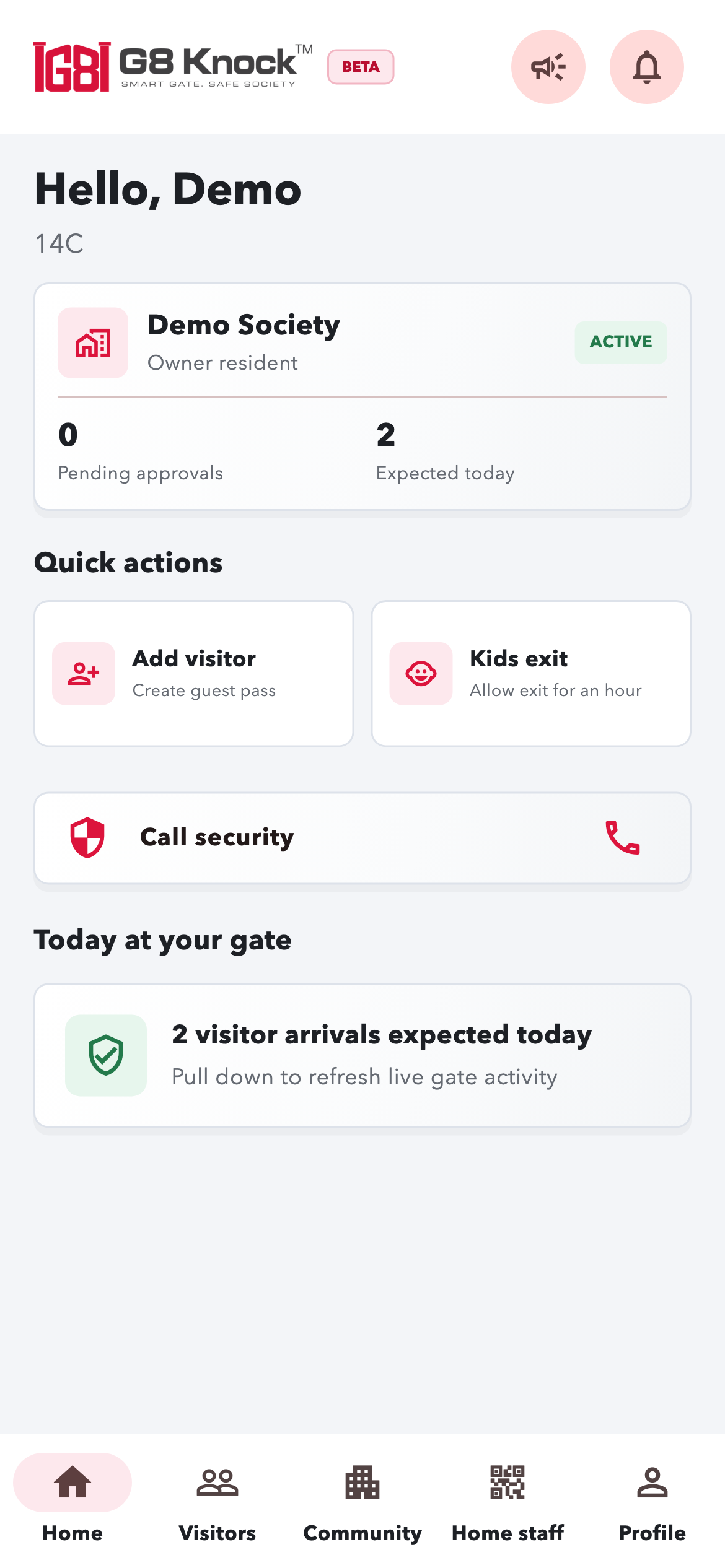
Residents receive a gate request and accept or reject it from their phone. Guards can see the decision in their entry queue.

Features / Visitor & gate management
Give residents the choice and gate teams the information they need, from expected visitors to everyday deliveries.
From request to decision
The guard sends a visitor request to the home. The resident accepts or rejects it, and the gate team can act on the confirmed status.
Visitor and access tools
Residents receive a gate request and accept or reject it from their phone. Guards can see the decision in their entry queue.
Add expected guests by name and number of people, with a 24-hour permission window. No visitor phone is required.
Create shareable QR passes. Guards can scan a pass or find matching passes using a code or mobile number.
Residents can pre-allow a delivery for up to 24 hours. Guards record the arrival against the home.
Record a visitor heading to multiple homes in one flow, with a separate approval for each home.
Review recorded entries, exits and visitor status. Entry-only mode supports societies that do not record exits.
Find residents by home or vehicle registration and use the phone’s regular calling service to contact them.
Residents can allow a specified number of children to leave during a one-hour permission window.
Residents can call the gate using society-configured numbers. Multiple gate contacts are available when configured.
Guards can raise a society-wide emergency alert using a swipe confirmation to help avoid accidental alarms.
A shared gate phone can handle scanning, manual visitors and approvals without individual duty start/end actions.
Residents can enable automatic approval. Admin controls also support homes that do not use the app.
Designed for the gate team
A focused home screen brings pending and approved requests together. Mark entry, call a resident or record a rejection without chasing a long list.
The phonebook supports flat-wise sorting and vehicle-number search. Visitors and activity history remain available separately.
Get the guard app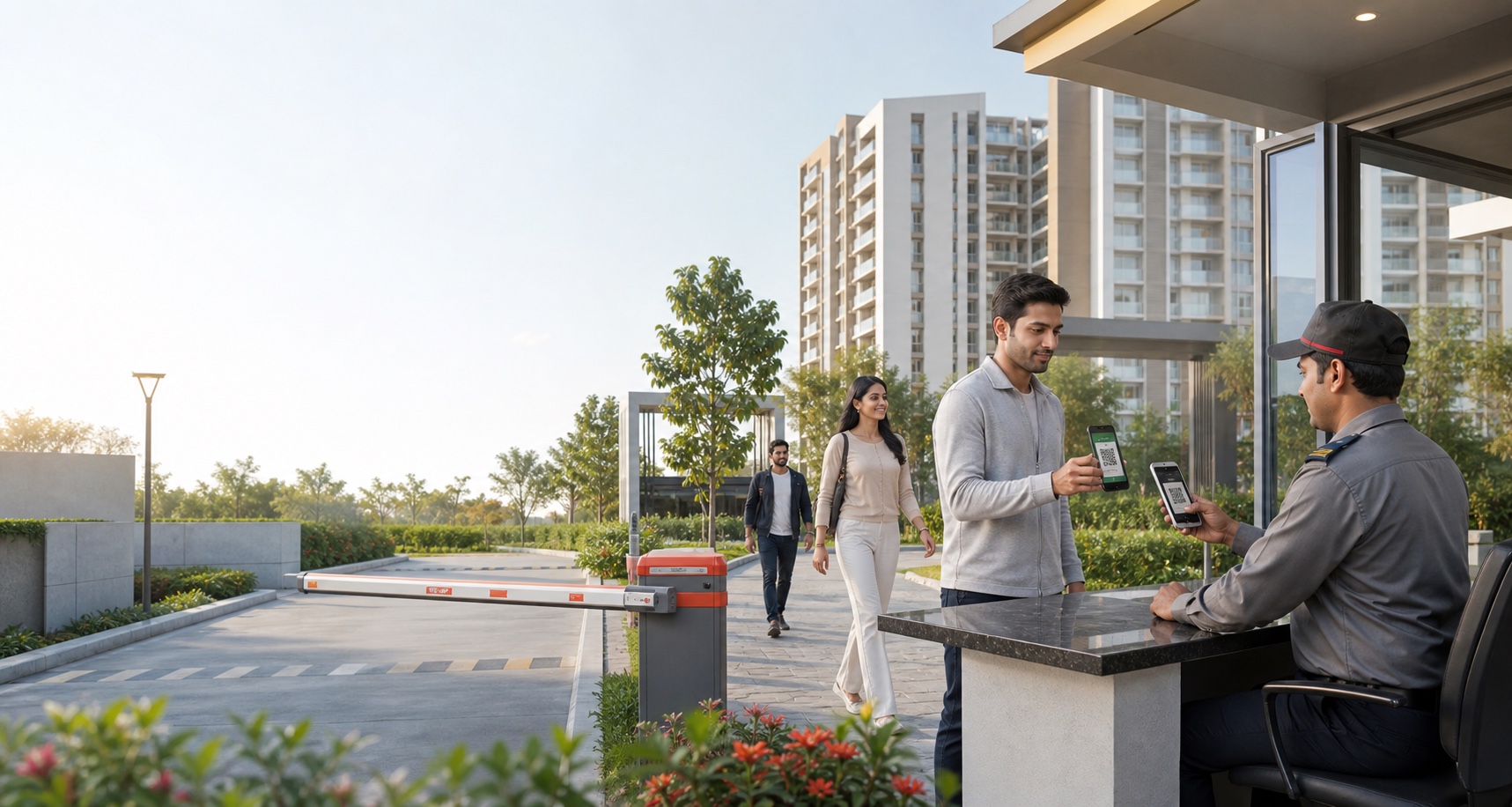
Your society. Your next step.
See how G8 Knock fits the way your community lives.